
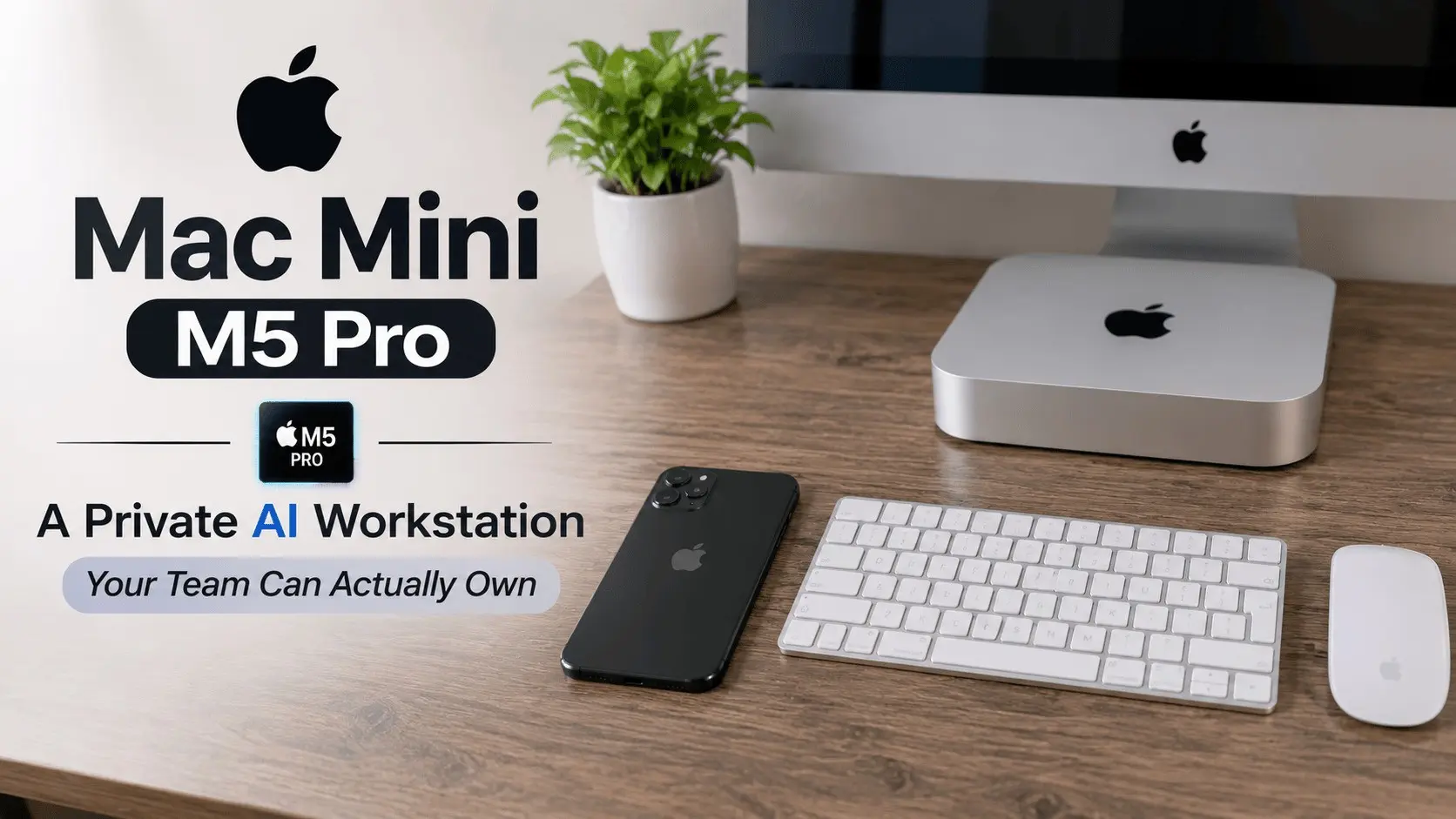
Apple announced a new Mac mini on August 25, 2026, and the machine that matters for business teams is the Mac mini with M5 Pro. It starts at $1,699, carries up to 64GB of unified memory, and went on general sale on September 22, 2026. Apple markets the mini as a desktop built for always on agentic computing, and for once the marketing line matches a real business use case: a small, quiet box that runs AI models locally, on your own desk, under your own control.
The short version for decision makers is simple. If your team prototypes with sensitive data, runs AI agents around the clock, or keeps paying cloud GPU bills for steady, predictable workloads, this class of machine deserves a serious look. This article breaks down the specs and prices, explains which local models actually fit, and gives clear buying guidance by team type.

What Did Apple Actually Announce?
The 2026 refresh covers four machines, and the mini sits at the value end. Apple unveiled the new Mac mini and Mac Studio in Newsroom posts on August 25, 2026, with general sale starting September 22, 2026. All of the new machines run macOS 27.
Two mini models lead the lineup. The Mac mini with M6 starts at $899, or $799 for education, with a 12 core CPU, a 12 core GPU and 16GB of unified memory. The M6 is Apple’s first 2 nanometer chip, a genuine milestone in chip manufacturing. The Mac mini with M5 Pro starts at $1,699, or $1,599 for education. Its base configuration pairs a 15 core CPU and a 16 core GPU with 24GB of unified memory and 512GB of storage. At the top end, the M5 Pro mini scales to an 18 core CPU, a 20 core GPU, 64GB of unified memory and 307GB/s of memory bandwidth, at a fully loaded price of $6,799. The GPU cores in the M5 Pro include Neural Accelerators built for AI work. Apple’s own announcement, Apple unveils a more powerful Mac mini featuring the all new M6 and M5 Pro, has the full configuration list.
Above the mini, the Mac Studio covers heavier workloads. The Mac Studio with M5 Max starts at $2,499 with 36GB of base memory, scaling up to 128GB and 614GB/s of bandwidth. The Mac Studio with M5 Ultra starts at $5,499 with 96GB of base memory, scaling up to 512GB and 1.2TB/s of bandwidth. The 512GB Studio configuration shipped in late October 2026. Apple detailed the chips in a second post, Apple introduces M6 and M5 Ultra for a big leap in performance and AI compute.

How Does the 2026 Mac Lineup Compare?
Price per gigabyte of unified memory is the number that matters for AI buyers. For local AI work, memory capacity decides what you can run, so compare these machines on memory and bandwidth first and on CPU cores second.
| Machine | Starting price | Unified memory | Memory bandwidth | Best fit |
| Mac mini with M6 | $899 | 16GB | Not the AI pick | General office and light development |
| Mac mini with M5 Pro | $1,699 | 24GB to 64GB | Up to 307GB/s | Local AI prototyping and desk agents |
| Mac Studio with M5 Max | $2,499 | 36GB to 128GB | Up to 614GB/s | Heavier local inference for small teams |
| Mac Studio with M5 Ultra | $5,499 | 96GB to 512GB | Up to 1.2TB/s | The largest local models and shared team servers |
Context matters on price. The M4 Mac mini launched at $599 in October 2024, then rose to $799 in June 2026 after Apple blamed memory costs. The new models sit $100 above that level. The M5 Pro mini costs $300 more than the M4 Pro mini’s $1,399 launch price. Prices are drifting up across the industry because memory itself costs more, which is exactly why a one time hardware purchase deserves a fresh comparison against rental pricing.

Why Does Unified Memory Decide Which Models You Can Run?
On Apple silicon, memory is one shared pool, and its size is the main limit on local model size. The CPU and GPU draw from the same unified memory, so there is no separate graphics memory to run out of first. A model, its context and the software around it all have to fit inside that one pool. Buy too little memory and the largest model you can run shrinks with it, no matter how fast the chip is.
Simple rules of thumb help you size a purchase. Around 24GB, the base M5 Pro configuration, suits small to mid size open models comfortably. That covers a wide range of useful work: coding assistants, document summarizers, support copilots and retrieval systems over your own files. Configurations with 48GB to 64GB suit large 30B to 70B class models at practical quantization settings, which is the range where local quality starts to rival hosted models for many business tasks.
Honesty matters here. These are sizing rules of thumb, not benchmark promises. Real speed depends on the model, the quantization, the context length and the software stack, and Apple does not publish a single number that settles it. Bandwidth helps too: the M5 Pro mini’s 307GB/s moves data to the GPU cores far faster than older hardware, which is a big reason this generation feels different for AI work. But if a vendor quotes you exact tokens per second for your workload without testing it, treat that as marketing, not engineering.

What Can Teams Actually Do With a Mac Mini on the Desk?
The strongest case is private prototyping with sensitive data. Legal teams testing contract review, finance teams experimenting with internal documents, and health adjacent teams working near regulated data all share one problem: the most valuable experiments involve data that should never leave the building. A local model on a desk machine removes the data review meeting from the critical path. Your team can test ideas on real material, learn what works, and only then design the production system with the right controls around it.
The second case is the always on agent. Apple explicitly positions the mini for always on agentic computing, and it fits. An agent that watches a support inbox, triages tickets, drafts replies, monitors a pipeline or runs scheduled research does not need a data center. It needs a reliable machine that stays on, stays quiet and stays cheap to run. We explored this shift in depth in how AI agents are reshaping the developer’s workstation, and the pattern keeps proving out: small, dedicated machines beat shared cloud instances for steady agent workloads on both cost and simplicity.
The third case is developer tooling. Local coding models pair well with the assistant tools your engineers already use. If you are still choosing those tools, our comparison of the best AI coding assistants covers the leading options. A mini on a senior engineer’s desk can serve a local model to the whole pod, keep proprietary code off third party servers, and keep working when the internet connection does not.
There are honest limits. A desk machine is not a training cluster, it will not fine tune a frontier model, and one box is a single point of failure unless you plan around it. Local deployment also makes your team responsible for updates, access control and backups. None of that is hard, but it is real work, and it is the work that separates a useful local setup from a neglected one.

Does Buying Beat Renting Cloud GPUs?
For steady workloads, the math favors ownership more often than most teams expect. A Mac mini with M5 Pro is a one time cost: $1,699 at the base configuration, more if you add memory. A cloud GPU is a recurring bill that never stops, charged by the hour whether the work is strategic or idle. An agent that runs around the clock, a prototype that a whole team pokes at all day, or an internal tool with predictable daily load all bill you every single month in the cloud. On your own hardware, the second year of that same workload costs electricity and nothing else.
Cloud still wins in clear situations. Rent when you need to train or fine tune at scale, when demand spikes unpredictably, when you need a model far larger than 70B class hardware limits allow, or when a workload will live for six weeks and then die. The mistake is not using the cloud. The mistake is defaulting to it for every workload without ever running the comparison.
A practical rule: if a workload is steady, sensitive or always on, price it on owned hardware first. If it is bursty, huge or temporary, price it in the cloud first. Many teams end up hybrid, with desk machines carrying the daily load and cloud capacity reserved for peaks. That is usually the cheapest honest answer, and it is the architecture we most often help clients design when a local pilot grows into a production system through our AI agent development services.

Which Mac Should Your Team Buy?
Buy for the workload you have, not the demo you saw. Here is the guidance we give by team type.
For individual engineers and small development teams: the Mac mini with M5 Pro at 24GB or 32GB class memory is the sweet spot. It runs the small to mid size open models that power coding help, local retrieval and document work, at a price a team can approve without a capital committee.
For AI prototyping teams working with real business data: step up to the M5 Pro mini with 48GB to 64GB of memory. The extra memory is what unlocks the 30B to 70B class models, and memory cannot be upgraded later. On a machine bought for AI work, memory is the one option to max out first, before storage and before CPU cores. This is the configuration that turns the mini from a toy into a genuine private AI workstation.
For teams serving models to a whole department: look at the Mac Studio. The M5 Max Studio, from $2,499 with up to 128GB, suits a shared inference box for a small team. The M5 Ultra, from $5,499 with up to 512GB, is for organizations that want the largest open models running in house as shared infrastructure.
For everyone else: the Mac mini with M6 at $899 is a fine office desktop, but its 16GB of memory makes it the wrong buy if local AI is the point. And if your workloads are all bursty or short lived, skip the hardware entirely and keep renting. Ownership pays when the machine works every day.

Conclusion
The Mac mini with M5 Pro is not exciting because it is small. It is exciting because it changes who can own serious AI hardware. For $1,699 and up, a business team gets a private, always on AI workstation with enough unified memory to run genuinely useful open models, with no per token bill and no sensitive data leaving the building. The cloud keeps its place for training, bursts and the very largest models. But for the steady daily work of prototyping, agents and internal tools, owning the machine is now a rational default, and for many teams it will be the cheaper one within the first year.
Frequently Asked Questions
How much memory does a team need to run local LLMs on a Mac mini?
Unified memory is the main limit on local model size, because the CPU and GPU share one pool. Around 24GB suits small to mid size open models. Configurations with 48GB to 64GB suit large 30B to 70B class models at practical quantization settings. Memory cannot be upgraded later, so buy for the largest model you realistically plan to run.
When does a Mac mini beat cloud GPUs for a business?
A Mac mini beats cloud GPUs when the workload is steady, always on or sensitive. An agent that runs around the clock or a prototype used all day bills you every month in the cloud, while owned hardware is a one time cost. Cloud GPUs still win for training at scale, unpredictable spikes and models too large for local hardware.
What does the Mac mini with M5 Pro cost, and when did it go on sale?
The Mac mini with M5 Pro starts at $1,699, or $1,599 for education, and a fully loaded configuration costs $6,799. Apple announced it on August 25, 2026, and general sale began on September 22, 2026.

Comments are closed