
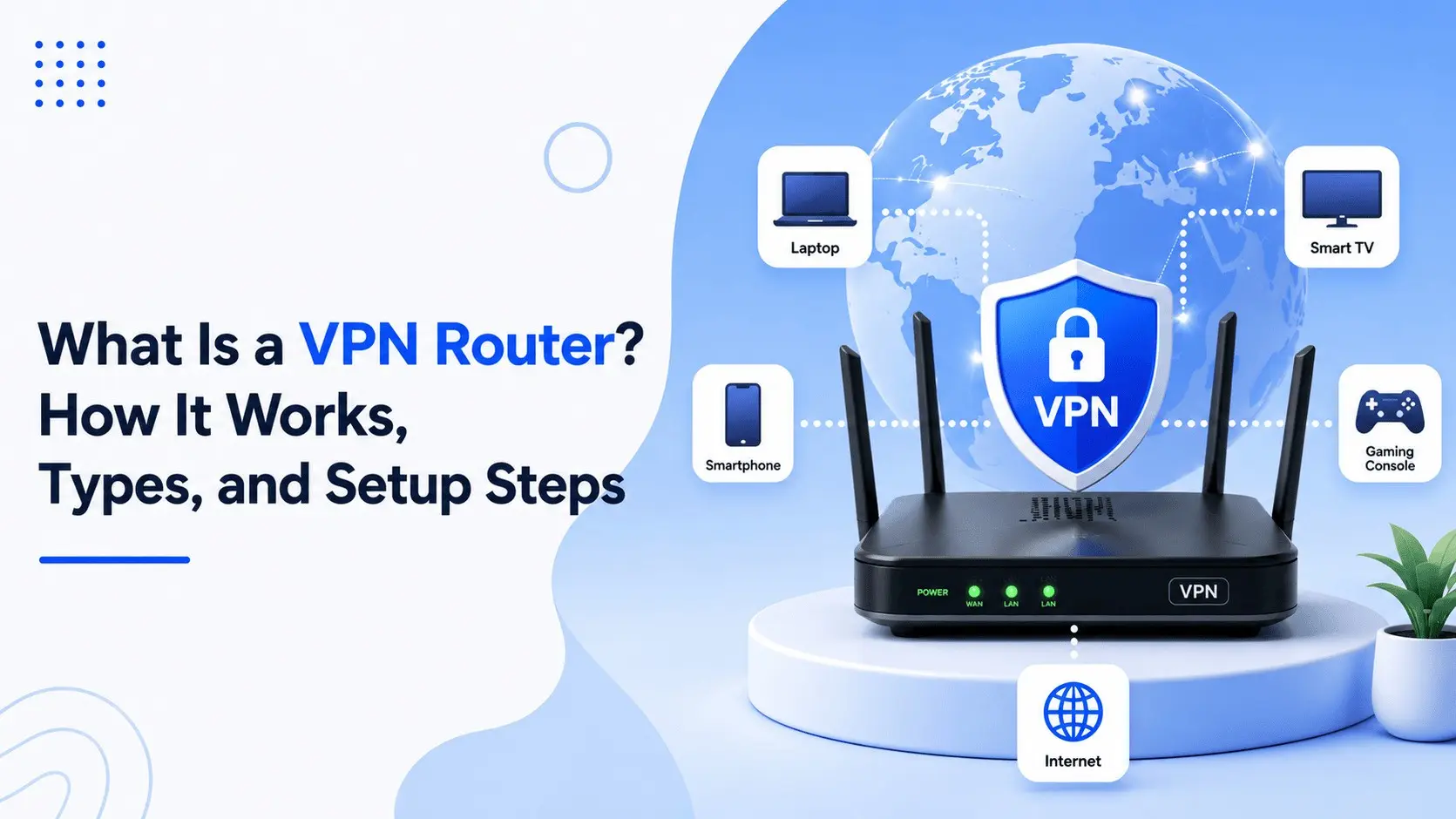
A VPN router is a normal Wi-Fi or wired router running extra firmware. Firmware is the small operating system inside the device. Some routers ship with VPN support already built in (a router with built-in VPN). Others get it later through a firmware swap.
A virtual private network builds an encrypted tunnel between you and a VPN server. Websites see the server’s Internet Protocol (IP) address, not yours. Your internet provider can still tell you’re using a VPN and how much data you send, but it can’t see which pages you open.
Because the tunnel starts at the router, your whole local-area network (LAN) uses it, over Wi-Fi or Ethernet. Running a VPN on router level like this is also called router-level VPN encryption, or a VPN client router. Same idea, different labels.
Key Takeaways
- A VPN router has a VPN built into its firmware, so every device on your network uses one encrypted tunnel.
- It protects devices that can’t run VPN apps, such as game consoles, smart TVs and smart-home gadgets.
- In client mode, it sends your traffic through a VPN provider. In server mode, it lets you connect back to your home or office network.
- The downsides are higher cost, possible slower speeds on weak hardware, and less flexible server switching.
- Look for a fast processor, VPN client support, OpenVPN or WireGuard, a kill switch and regular firmware updates.
If you only need to protect one or two devices, a VPN app is simpler.
How Does a VPN Router Work?

A VPN router runs in one of two modes. Some models can do both at once.
Client mode. The router dials out to a VPN service and every device behind it rides that tunnel. This is what most homes want.
Server mode. The router becomes the VPN endpoint, sometimes called a client-to-site VPN or remote-access VPN. From a hotel room you connect back in and reach your files and printer as if you were home.
In client mode, your traffic takes this path:
- A device on your Wi-Fi asks for a website.
- The router wraps the request in encryption.
- It sends the request to the VPN server.
- The server fetches the page and sends the answer back the same way.
Business gear adds a step at the start. It checks who you are, usually with a password plus a second code, and some gateways even check that your laptop is up to date. That’s a VPN gateway or firewall feature, so don’t expect it on a cheap home box.
The common protocols are OpenVPN, WireGuard and IPsec, and NIST publishes a detailed guide to IPsec VPNs if you like deep reading. L2TP still turns up. PPTP is old and weak, so skip it.
Two offices can be joined this way too. In a site-to-site VPN, or a VPN to VPN router link, one router holds a tunnel open to the other all day, so staff in both places share files safely. Businesses should also combine VPN protection with firewalls, access controls, and other security measures to protect their business from cyber threats.
VPN Router vs Normal Router
Most normal routers support VPN pass-through. That lets one laptop open its own VPN connection through the router, but the router isn’t part of it. Each device needs its own app, and the tunnel can’t be shared.
A VPN router flips that. The router holds the tunnel. A software VPN guards one device, while a VPN router covers everything behind it. That’s the whole VPN router vs software debate in two lines.
Benefits of a VPN Router
The more gadgets you own, the more this pays off.
1. Protect every device at once
Tablets, an old laptop, the printer, smart bulbs: if it joins the Wi-Fi, it’s inside the tunnel. Most smart-home (IoT) gadgets can’t run a VPN at all, so this matters.
2. Secure devices that can’t run VPN apps
A PlayStation 4 or PS5, an Xbox One or Xbox Series X, a Roku stick, a Fire TV Stick, an Apple TV, a Nintendo Switch: none of them handle VPN apps well. Plug them in behind a VPN router and the problem is gone. Connected devices such as Android TV boxes and smart-home gadgets can introduce security risks when left unprotected. Learn more about connected devices and network security and why securing every device on your network matters.
3. Skip the device limit
Many plans cap simultaneous connections, but the router counts as one. Check your provider’s terms, because rules differ.
4. Stay protected without extra steps
Nobody has to remember to tap Connect, and guests and kids are covered.
5. Reach your network while you travel
In server mode you can reach your home or office network safely while travelling, which is why a VPN router for remote work is popular with small teams.
6. Unblock apps and content by location
With the right server, a streaming app may treat you as if you’re in another country. Some services block VPN traffic and some countries restrict VPN use, so check first.
Disadvantages of a VPN Router
A VPN router isn’t perfect. Weigh these before you buy.
Higher cost
VPN routers that handle encryption well cost more than basic ones.
Slower speeds
Encryption takes work, so a cheap router with a weak processor can drag your internet down, especially when several people stream at once. That’s the VPN router throughput limit people grumble about.
Less flexibility
Switching to a server in another country means logging into the router and editing settings, while an app does it in one tap.
Setup takes patience
Router setup for VPN isn’t hard, but you’ll be typing into a settings page rather than clicking Install.
You still trust a provider
A VPN doesn’t erase trust, it moves it to the VPN company, and the Electronic Frontier Foundation explains this well in its guide to choosing a VPN.
Not complete anonymity
The Federal Trade Commission has warned that VPN apps can fall short on privacy. Cookies and logins can still identify you. A VPN is only one part of online protection. Following good computer virus prevention practices, keeping software updated, and using reliable security tools can further reduce your exposure to online threats.
Types of VPN Routers

You can sort them two ways: how the VPN gets onto the router, and the shape of the hardware.
By how the VPN gets there
| Type | Cost | Skill needed | Flexibility | Best for |
| VPN-compatible router | Low to medium | Low | High, works with many providers | Most homes |
| Preconfigured router | Highest | Lowest | Low, tied to one setup | Plug-and-play buyers |
| Manually flashed router | Lowest if you already own one | High | High | Tinkerers on a budget |
VPN-compatible routers
These act like a router with built in VPN settings, so they are the easiest place to start. You bring your own subscription, so confirm the model works with your provider before you buy. Current examples include the TP-Link Archer AX73 and the ASUS RT-AX86U Pro. Always check the maker’s spec page for your exact model.
Preconfigured routers
These arrive ready to go. A seller loads firmware for a certain VPN service before shipping. FlashRouters, for example, sells units flashed with DD-WRT, like the Netgear R6700 DD-WRT FlashRouter or the NordVPN Linksys WRT3200ACM AC3200 DD-WRT FlashRouter. Both are older hardware now, so see what’s current before you buy. A pre configured VPN router saves effort, but you’re tied to that setup for a long time.
Manually flashed routers
These start as a router you already own. You replace its stock firmware with OpenWrt, DD-WRT or Tomato, which unlock advanced settings. It suits people who don’t mind tinkering.
By hardware
- Wireless VPN router. Router and Wi-Fi in one box. The usual choice for homes and small offices.
- Wired VPN gateway. No Wi-Fi. It handles routing and VPN while separate access points handle wireless. Good for bigger offices, and TP-Link’s Omada ER605 is a typical entry-level example.
- 4G/LTE VPN router. Keeps the tunnel alive on mobile data if the main line drops.
- Travel router. A pocket-sized unit, such as the GL.iNet Beryl AX, that plugs into hotel Ethernet or Wi-Fi and builds a travel router VPN tunnel for your own devices. Handy on public Wi-Fi.
- Mesh Wi-Fi systems. A few kits include VPN client settings, so read the spec sheet first.
How to Choose the Right VPN Router?
Don’t buy on looks or price alone. Check the VPN router hardware requirements first.
Start with the processor and memory. A faster chip loses less speed, so spend more here if your plan is fast. Look for a dual-core processor around 1 GHz or better, plus enough RAM and flash storage for firmware updates.
Next, confirm the router can enable VPN client mode, not just server mode. Then look at protocol support. WireGuard is lighter on the processor than OpenVPN, so it often gives better speeds on modest hardware.
Provider support matters too. ExpressVPN, NordVPN and Surfshark publish router guides and compatible-router lists, so make sure yours is on one. The VPN router, router firmware and provider all need to match, or the tunnel won’t start. A VPN router kill switch, which cuts the internet if the tunnel drops so nothing leaks, is worth having, though not every firmware offers it.
For the rest, Wi-Fi 6 or Wi-Fi 7 and a few Ethernet ports suit most homes. Make sure the router still gets firmware updates, because one that doesn’t is a security risk.
ASUS, Netgear, Linksys, TP-Link and Synology all make routers with VPN service support. ASUS models running AsusWRT have a VPN client page in the menu, and Synology’s RT2600AC is worth a look too. Check each brand’s support page for your exact model.
How to Set Up a VPN on a Router?

Wondering how to setup VPN with router menus you’ve never opened? Follow these steps to install a VPN on a router. Menus differ by brand, but the pattern stays the same. Start at step 1. In most cases you can setup VPN on a router in one sitting.
- Choose your VPN service and open its router setup guide.
- Connect the router to your modem, then log in. Type its IP address, often 192.168.1.1 or 192.168.0.1, into your browser and use the admin login printed on the router.
- Find the VPN client section and make the router enable VPN client mode. On ASUS it’s under VPN > VPN Client. Other brands may call it VPN, VPN Client or WAN.
- To configure VPN on router settings, upload the configuration file from your provider, or type in the server address, username and password.
- Turn on the kill switch if your router has one.
- Save, apply, and wait for the status to show Connected.
- Test it. Visit an IP-check site. If it shows the VPN server’s location, you’re done. A quick DNS leak test is worth a minute too.
If your router doesn’t support VPN, flashing is the next option. Download firmware made for your exact model, back up your settings, upload the file on the router’s update page, and wait for the reboot. Don’t unplug it mid-update. Cutting power can leave the router unusable.
Conclusion
So, what is a VPN router worth to you? It pays off when you own many devices, travel often, or run a small office, because one setup protects every phone, TV, console and smart-home gadget on the network. For a single phone it’s overkill, and an app does the job.
A good first step is to look in your current router’s menu for a VPN client page. You may already own a router with VPN support and never turned it on.
FAQs
Does a VPN router slow down my internet?
It can. Encryption uses processing power, so a weak router may cut your speed, while one with a stronger processor and WireGuard support usually keeps the loss small.
Is a VPN router better than a VPN app?
Both have a place. Use the router to cover the home and keep an app on your phone for when you’re away.
Can any router be a VPN router?
No. Only VPN routers, or routers that support custom firmware, can do it, and even then a weak processor will slow your connection.
Does a VPN router replace my firewall?
No. A VPN encrypts traffic but doesn’t filter attacks, so keep the router’s firewall on.
Can I leave one device out of the VPN?
Sometimes. Firmware such as AsusWRT and OpenWrt can send chosen devices through the tunnel and leave the rest alone. If yours can’t, a second router is the fallback.

Comments are closed